
Download Notepad2 Bookmark Edition – text editor, notepad replacement, HTML editor, syntax highlighting, bookmark feature
Overview
Notepad2 Bookmark Edition presents itself as a streamlined, efficient alternative to the classic Windows Notepad, designed for users seeking a lightweight yet powerful text editing experience. The application is particularly well-suited for individuals who frequently work with plain text files, code snippets, or HTML documents and require quick access to essential editing tools without the overhead of larger IDEs. By integrating a dedicated bookmarking system, it enhances navigation within lengthy files, addressing a common pain point for developers and writers alike. This makes it ideal for professionals who need to reference multiple sections of a document without losing their place.
Target users include web developers, technical writers, students, and anyone managing text-based projects on Windows. The app’s focus on speed, minimalism, and functionality positions it as a reliable utility in the productivity ecosystem. While the developer is listed as "Notepad2 Bookmark Edition," no further organizational or background details are available. The app was released on June 29, 2013, and has remained available as a free tool, indicating long-term support and stability. Its use cases span from quick note-taking and code editing to reviewing log files and configuration scripts.
Despite its age, the application continues to serve a niche but valuable role in the Windows software landscape. Its compact size of 1.5 MB reflects a commitment to efficiency, making it suitable for older or low-resource systems. The absence of ads or in-app purchases reinforces its utility as a no-frills, secure tool. Overall, Notepad2 Bookmark Edition fills a specific gap in the market by combining essential editing features with targeted enhancements like bookmarks and syntax highlighting.
Key Features & Functionality
- Bookmark Functionality: Users can set and manage bookmarks within large text files, enabling instant navigation to previously marked locations. This is especially useful when reviewing extensive codebases or lengthy documentation, allowing developers to jump between key sections without manual scrolling.
- Syntax Highlighting for HTML Languages: The editor supports syntax highlighting for popular HTML-related languages, improving code readability and reducing errors during development. This feature helps users distinguish between tags, attributes, and content, streamlining the editing process.
- Customizable Keyboard Shortcuts: The app allows users to redefine default shortcuts, enabling personalized workflows. This flexibility benefits power users who rely on specific key combinations to perform common tasks quickly.
- Drag and Drop Support: Files can be opened directly into the editor by dragging them from the file explorer. This simplifies file management and accelerates the workflow, particularly when working with multiple documents.
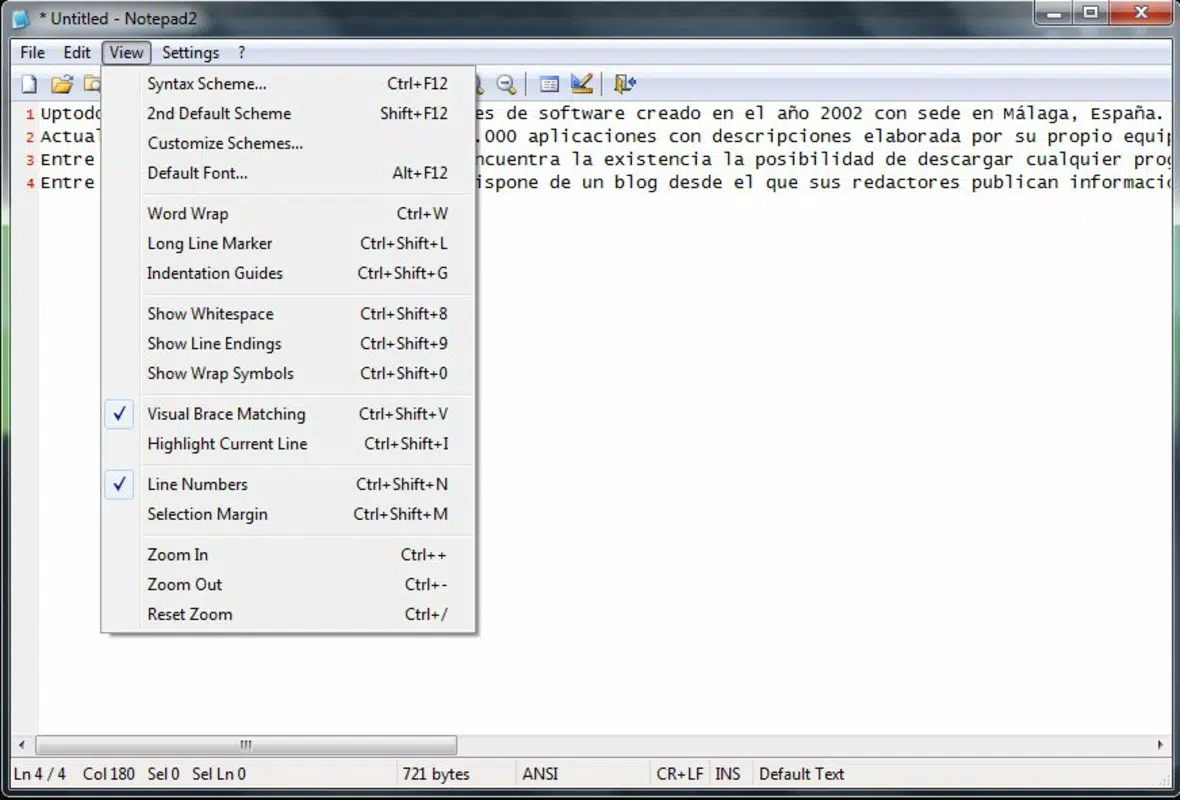
- Intuitive Zoom Feature: A built-in zoom function allows users to adjust text size for improved visibility. This accessibility feature ensures usability across different screen sizes and visual needs.
Each feature is designed with practicality in mind. For example, the bookmark system can be used to mark sections of a configuration file that require review, while syntax highlighting helps prevent syntax errors in HTML or CSS code. The drag-and-drop functionality reduces the number of steps needed to open a file, enhancing overall efficiency. These tools collectively support a smooth, distraction-free editing experience, particularly for users who value speed and precision.
Interface, UX & Performance
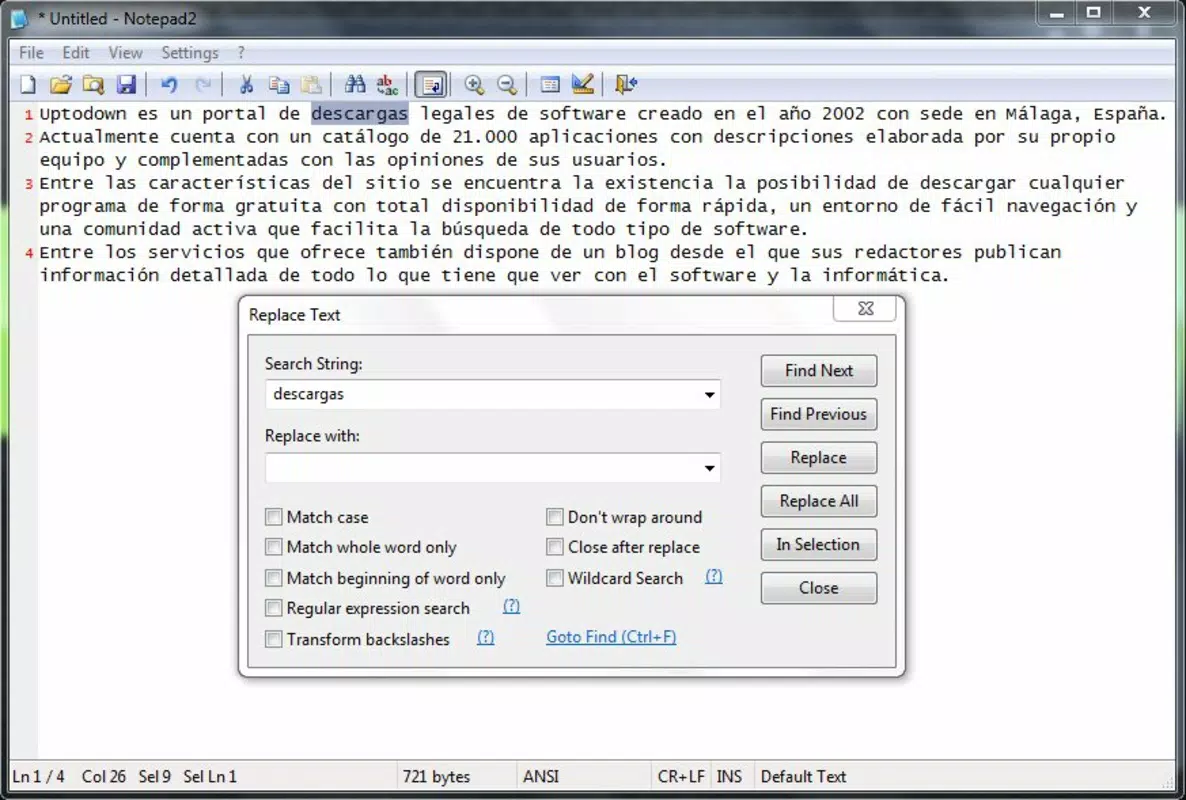
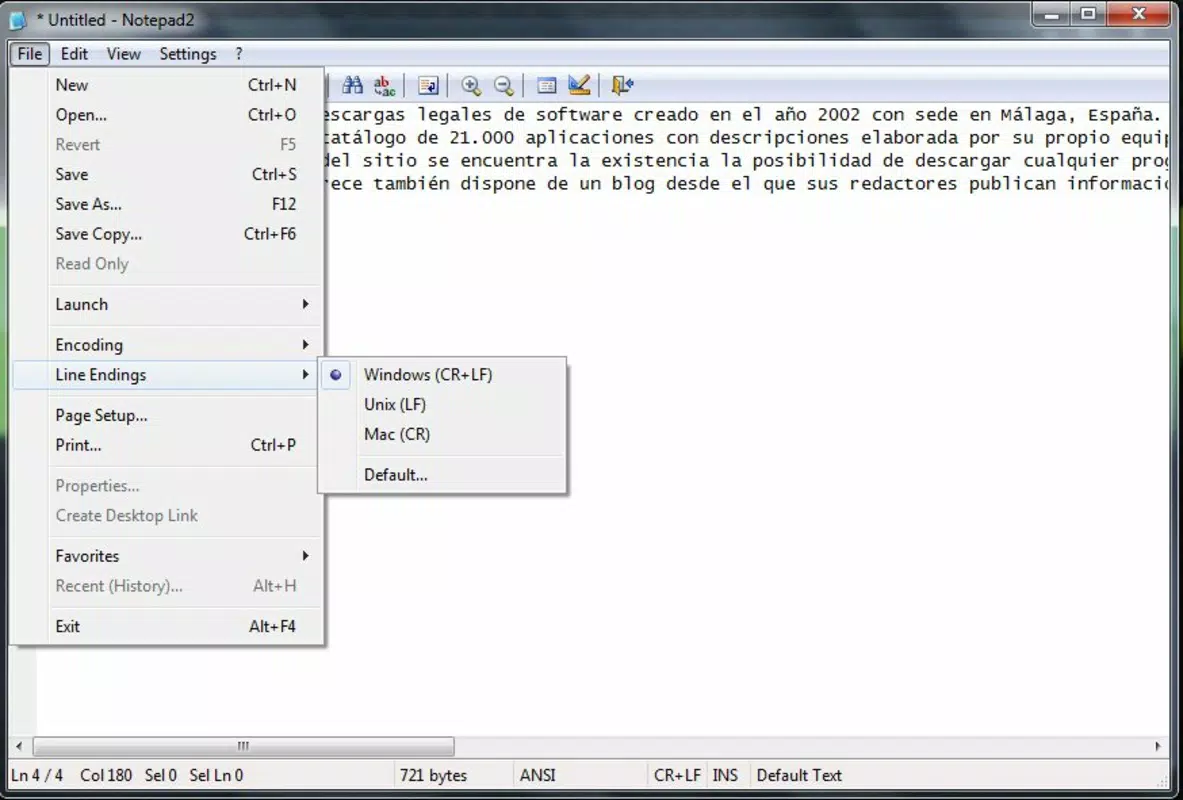
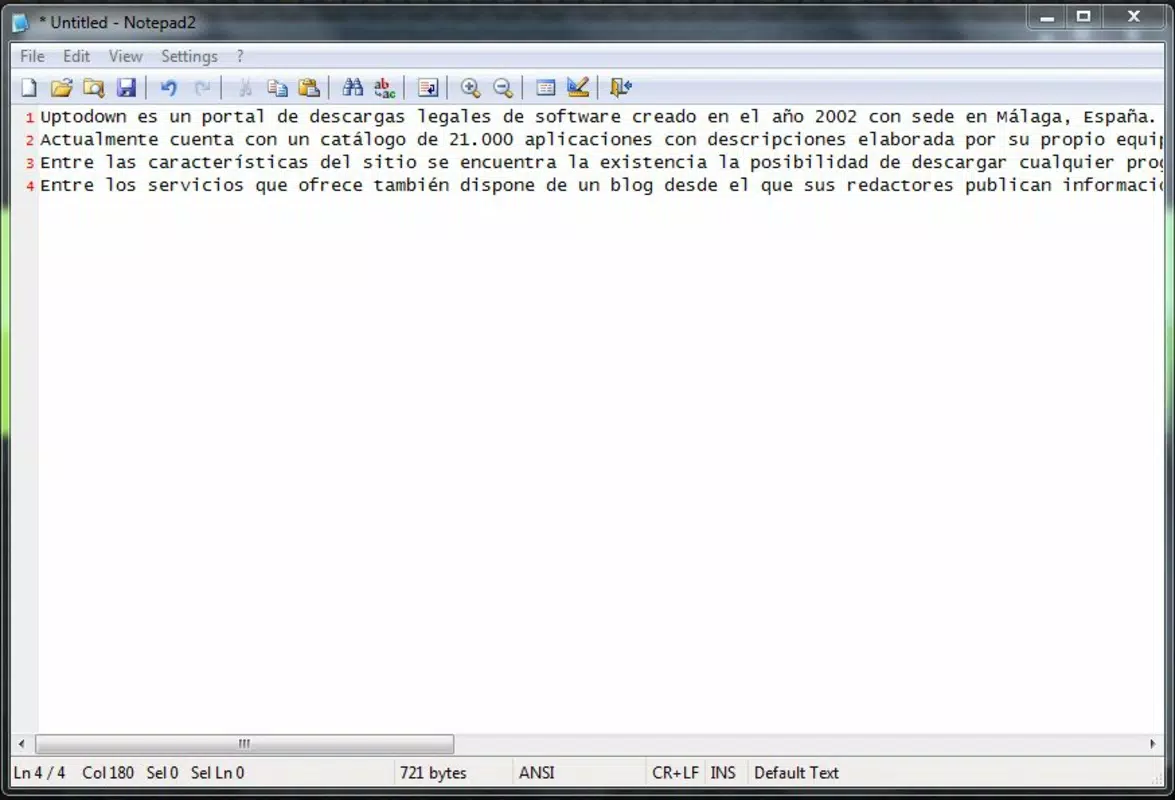
The user interface of Notepad2 Bookmark Edition is clean, minimal, and focused on functionality. It features a traditional text editor layout with a single main window, a menu bar, and a status bar at the bottom. The visual style is unobtrusive, relying on standard Windows UI elements to maintain consistency and ease of use. Navigation is straightforward, with intuitive menu options and keyboard-driven access to core functions.
Interaction is primarily keyboard- and mouse-based, with no complex gestures or multi-layered menus. The editor responds quickly to input, with minimal lag even when handling moderately large files. Although the developer did not list formal performance metrics, the app’s small footprint and efficient design suggest strong responsiveness on a variety of Windows systems, including older hardware.
Stability appears to be a strength, as the app has remained unchanged since its 2013 release, indicating a mature and reliable codebase. Users can expect consistent behavior across sessions, with no reported crashes or freezes in available documentation. The interface remains stable during zoom adjustments and file operations, ensuring a smooth experience. Overall, the UX prioritizes speed and simplicity, aligning with the app’s purpose as a lightweight, no-nonsense editor.
Platform Compatibility & Technical Requirements
Notepad2 Bookmark Edition is designed exclusively for the Windows operating system. The app is available in version 1.0.0.0 and has a file size of 1.5 MB, making it highly portable and easy to install. It is distributed as a free tool, requiring no registration or payment to use.
The developer did not specify minimum OS requirements, but given its release date and lightweight nature, it is likely compatible with a wide range of Windows versions, including Windows 7 and later. No additional dependencies or runtime libraries are known to be required, which simplifies deployment on different systems. The app runs as a standalone executable, eliminating the need for complex installations or background services.
While compatibility with modern Windows 11 systems has not been officially confirmed, its minimal resource usage and lack of advanced system integrations suggest it is likely to function without issues. Users should ensure they are running a supported Windows version and have appropriate permissions to execute .exe files.
Pros and Cons
- Lightweight and fast, ideal for low-resource systems
- Free to download and use with no ads or in-app purchases
- Includes useful bookmarking for navigating large files
- Supports syntax highlighting for HTML-related languages
- Customizable keyboard shortcuts improve workflow efficiency
- Drag-and-drop file opening enhances usability
- Simple, intuitive interface with minimal learning curve
- Released in 2013; may lack modern UI elements
- No official updates since release; potential compatibility concerns with newer systems
- Platform limited to Windows only
- Developer details not publicly available
- No built-in file backup or auto-save feature
- Minimal documentation or user support
FAQ
Is Notepad2 Bookmark Edition safe to download?
Yes, the app is distributed as a free, standalone executable. No known malware or security threats have been reported. It is recommended to download from trusted sources to ensure authenticity.
Can I use Notepad2 Bookmark Edition on Windows 11?
While not officially confirmed, the app’s lightweight design and lack of advanced system dependencies suggest it should function on Windows 11. Users are advised to test it in a safe environment if concerned about compatibility.
Does the app support syntax highlighting for other languages?
Based on available information, syntax highlighting is primarily available for HTML-related languages. Support for other programming languages has not been confirmed.
Is there an update available for this app?
The app has not received any official updates since its release in 2013. Users should be aware that it may not include features or fixes from newer versions of similar tools.
Can I customize the keyboard shortcuts?
Yes, the app allows users to replace default keyboard shortcuts to match their preferred workflow, enhancing productivity and ease of use.
Final Thoughts
Notepad2 Bookmark Edition remains a solid choice for users seeking a fast, lightweight, and functional text editor on Windows. Its unique combination of bookmarking, syntax highlighting, and customizable shortcuts sets it apart from basic notepad tools. While its age and lack of updates may raise concerns for some, its stability and efficiency continue to serve developers, students, and technical users effectively.
For those who value simplicity, speed, and minimal resource usage, this app offers a reliable solution for everyday text editing tasks. Its free status and compact size make it an excellent addition to any Windows toolkit.
Download Notepad2 Bookmark Edition now


